Systèmes embarqués et robotique
MICRO-315
How to access the first TP
Description
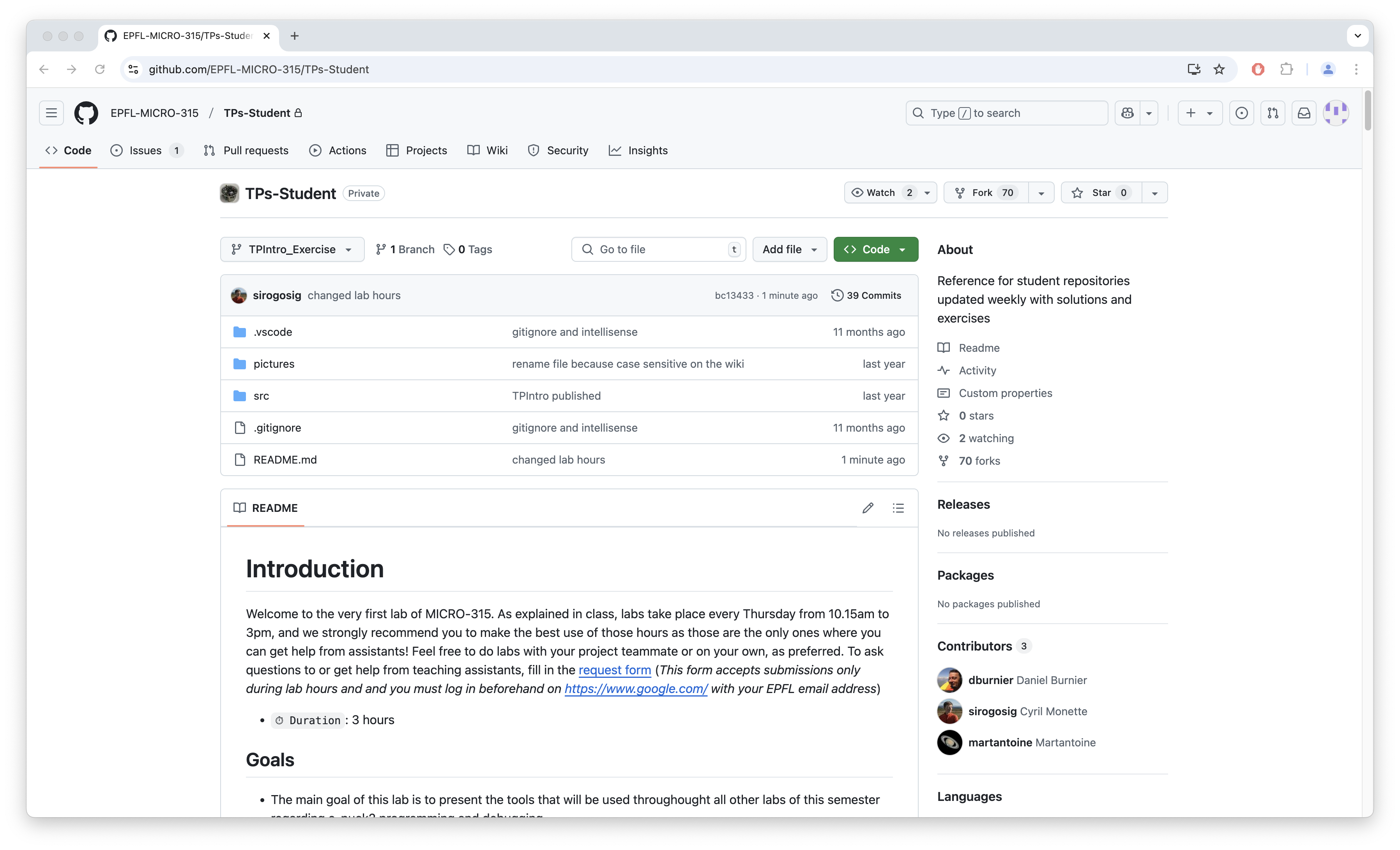
The installation of the software for TPs, as well as the necessary configurations are explained at the beginning of TPIntro. To access TPIntro, please follow the instructions on this page.
Page content
The labs are distributed through GitHub for this class. In order to have access to the first practical, you need to follow a few steps (to be done by both of the team members !):
- The two members of the group must create a GitHub account if they do not yet own one.
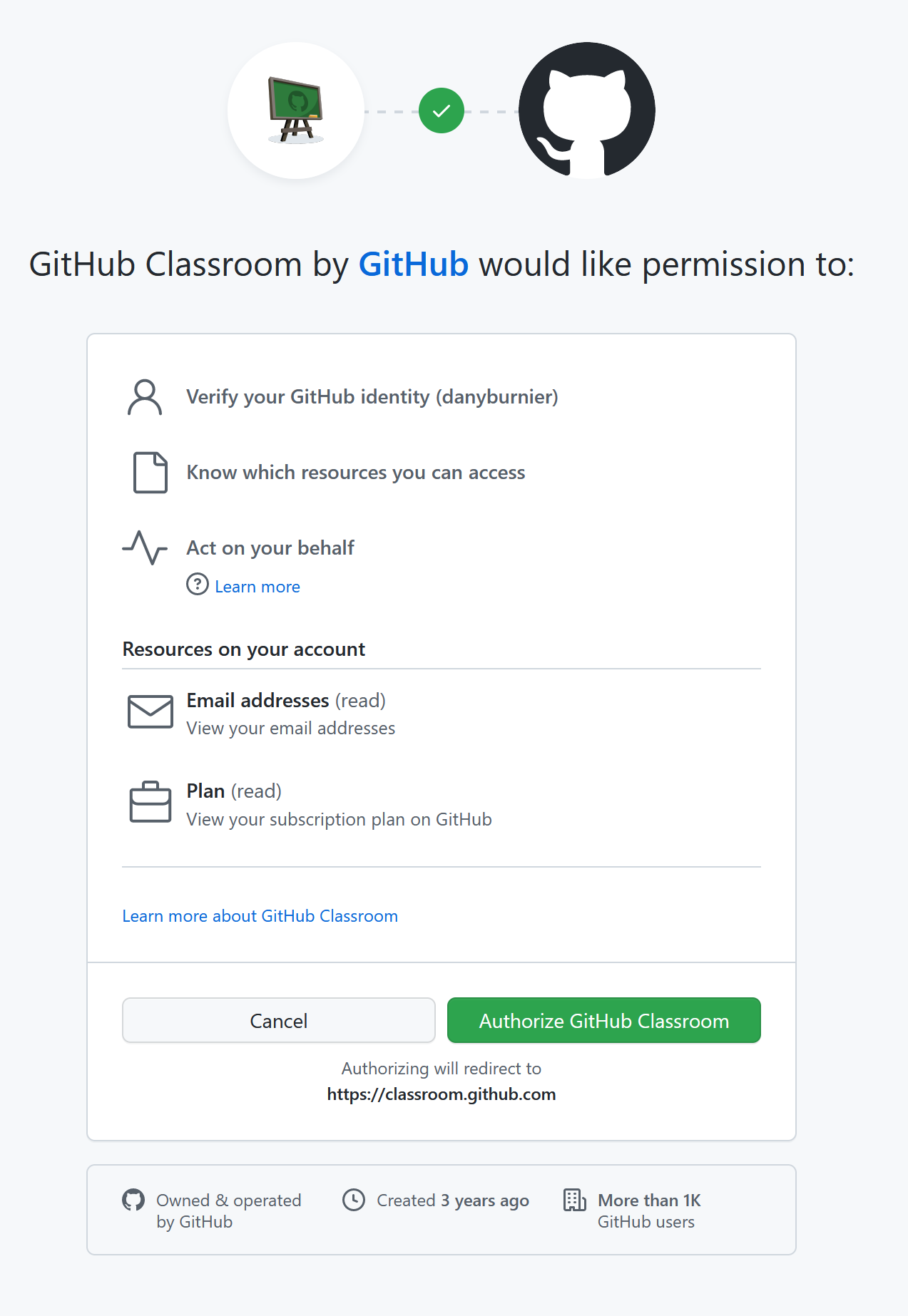
- Join Classroom and sign in if necessary. Perhaps you will have a request to Authorise Github Classroom to communicate with Github.
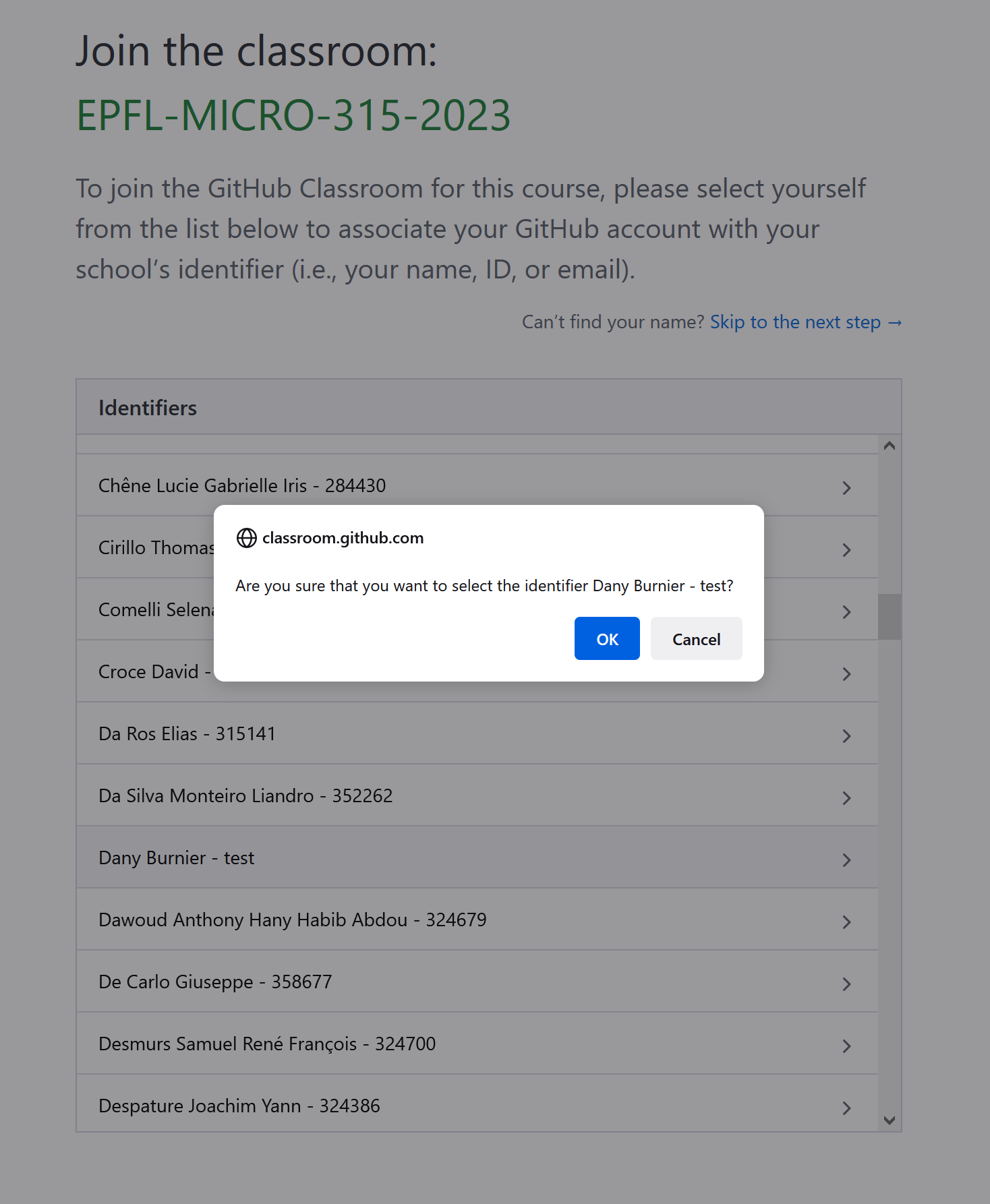
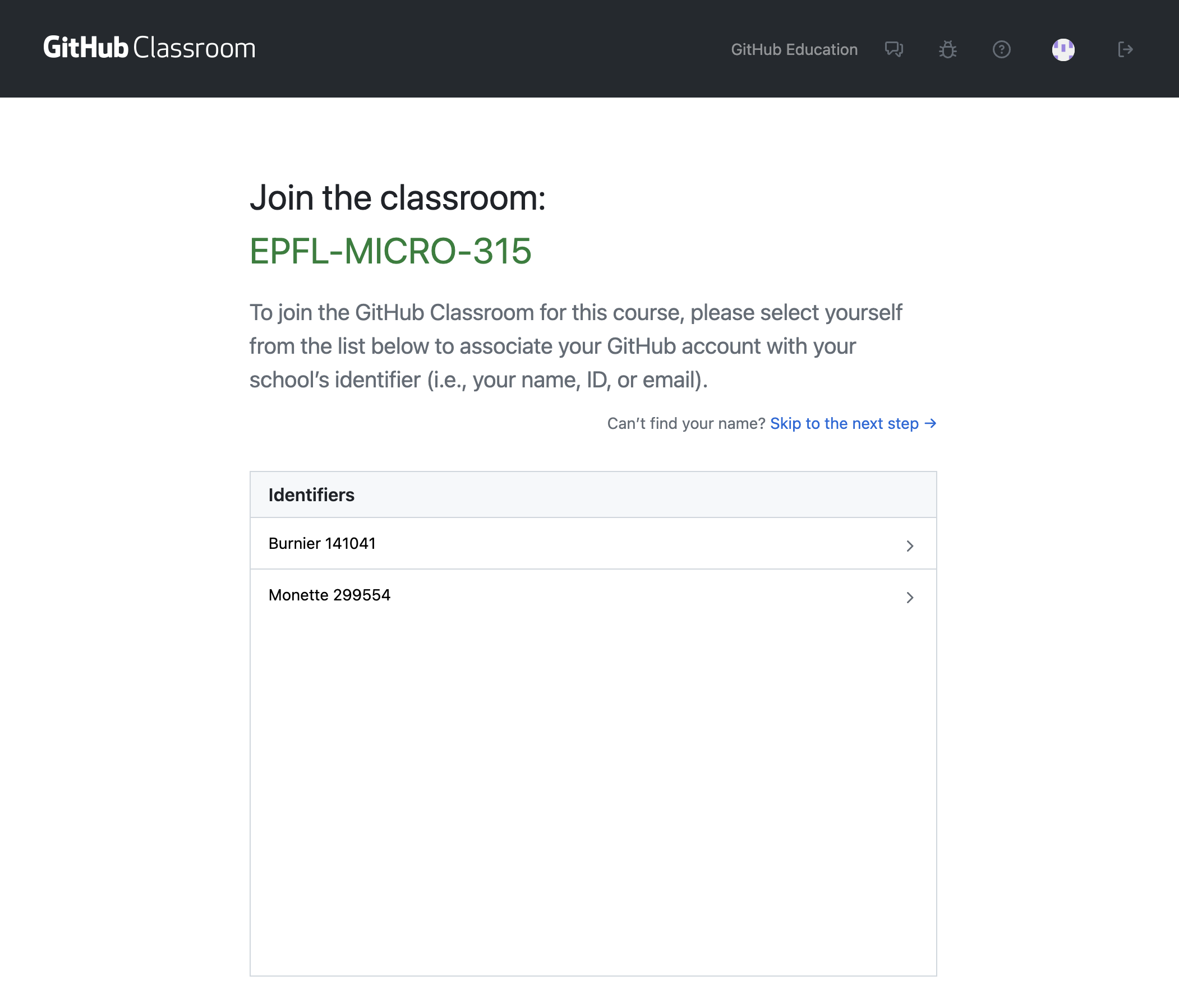
- Find your name in the list and select it. If you don't find it, please fill in the form to create your group. If you've already filled this form, wait for us to manually add you to the GitHub classrooms.
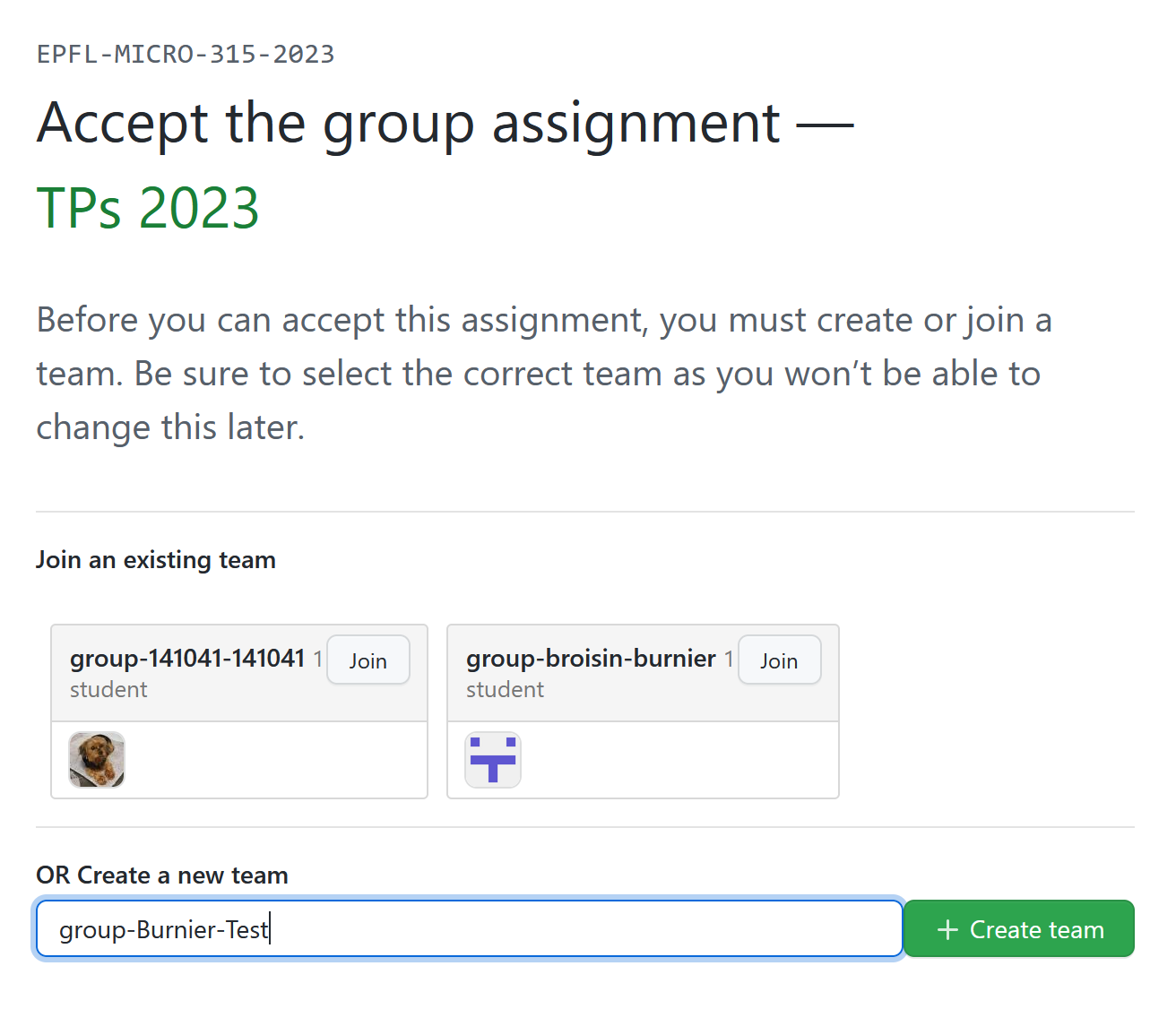
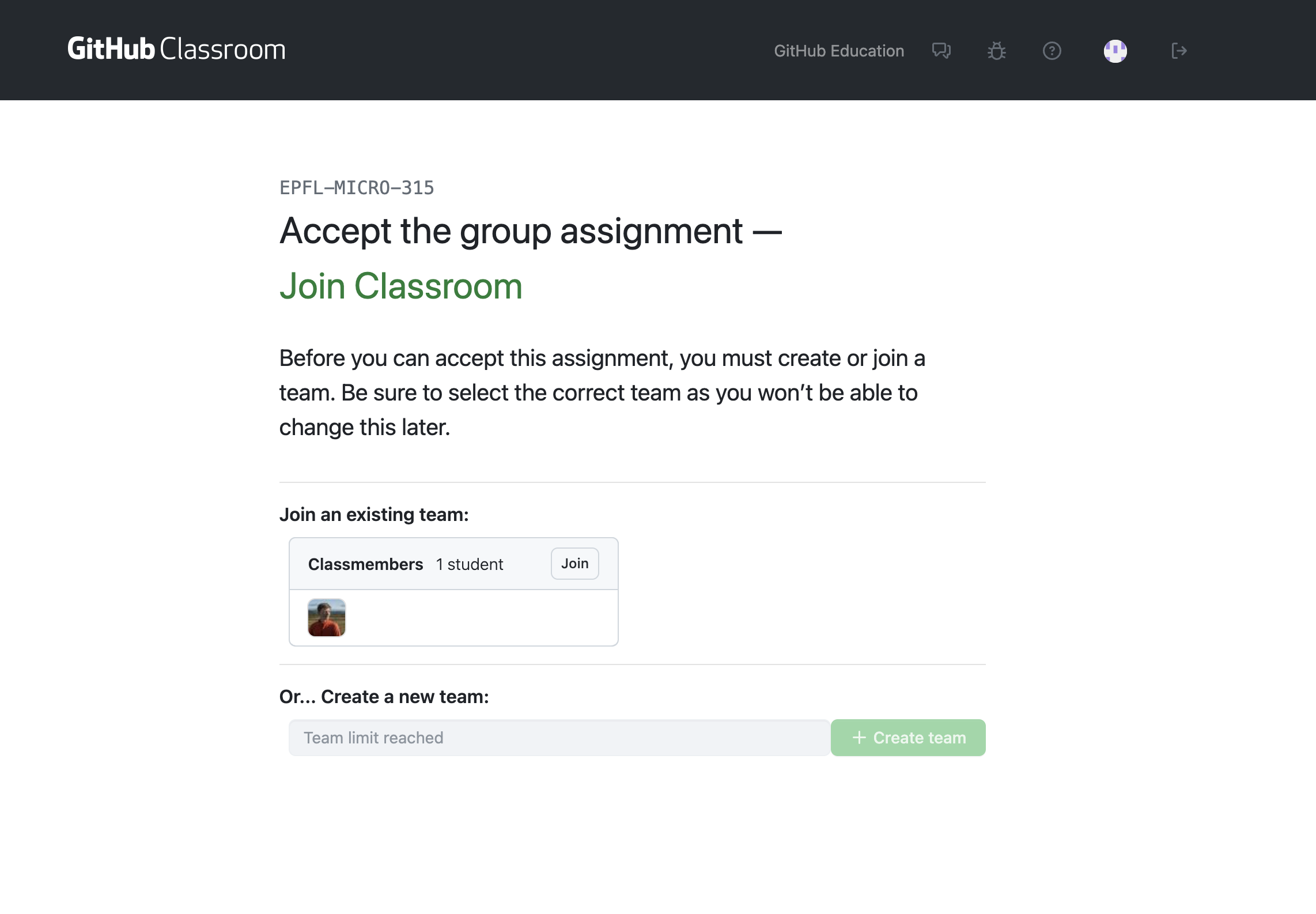
- You'll then be prompted to join a team, just click "Join" on the only existing team, called Classmembers.
- Do not pay attention to the repository error : you don't have access to it as it will not be used.
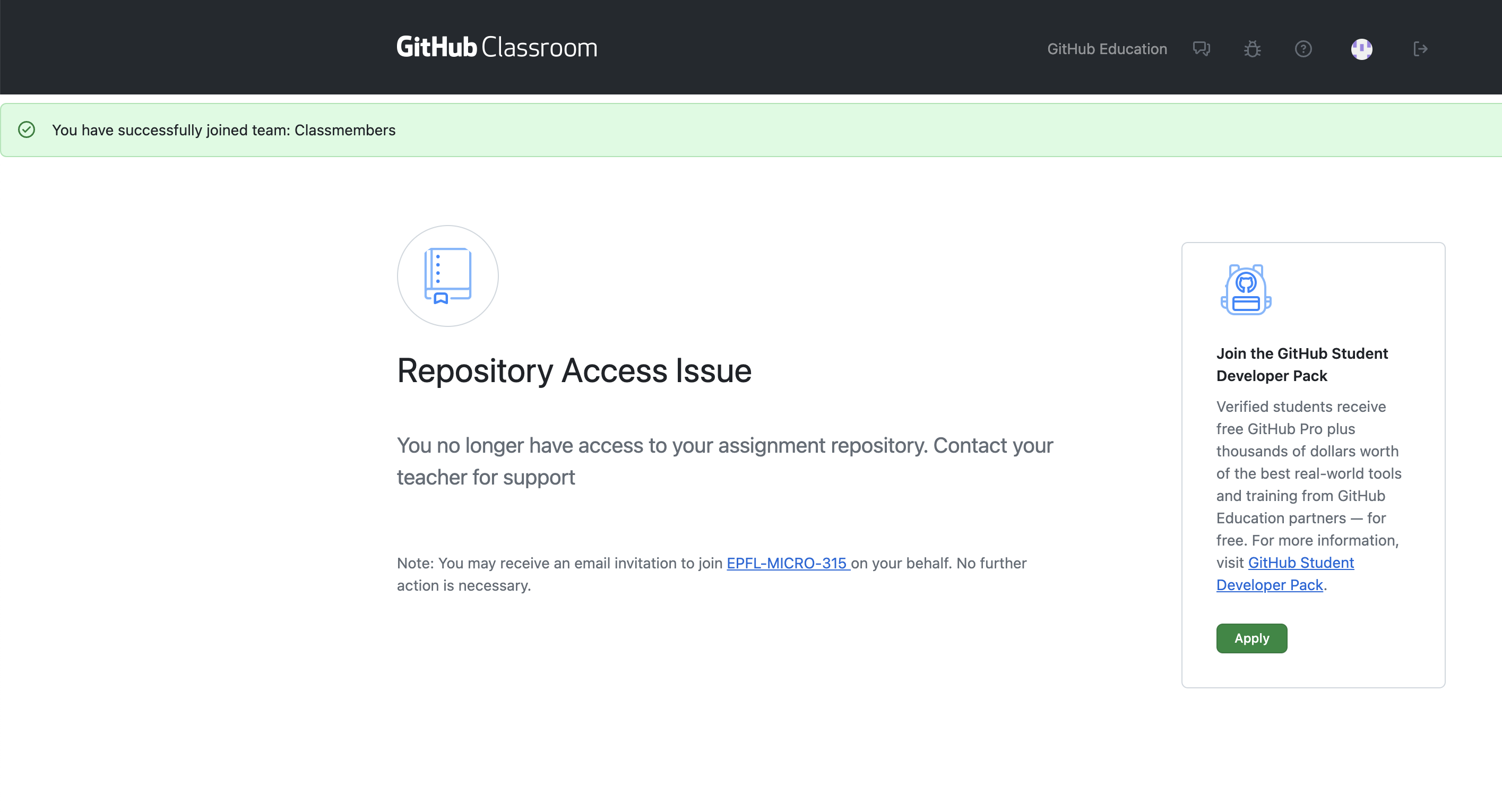
- As explained by GitHub Classrooms, you will receive an invitation by email to join the EPFL-MICRO-315 organization. Please follow the instructions.
- You should now be able to access the TPIntro web page, where you can start with the very first TP. If you cannot access this Github repository, wait for a few minutes as you're being added to the Github team by Github classrooms.